Installing Updates
To install updates using the Popoto Web UI, follow these steps:
- Go to the Dashboard.
- Scroll down and click the Advanced section to expand it.
- Enter the Admin password.
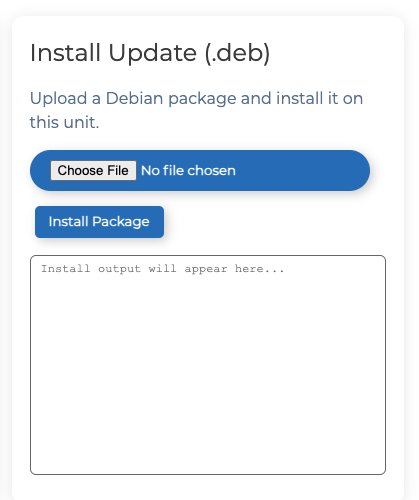
- In the Install Update section, click Choose File and browse to the location of the new file.
- Click Install Package.
The install update status displays in the window.