Viewing Service Status
To view service status information using the Popoto Web UI, follow these steps:
- Go to the Dashboard.
- Scroll down and click the Advanced section to expand it.
- Enter the Admin password.
The Service Status section displays if the service is running.
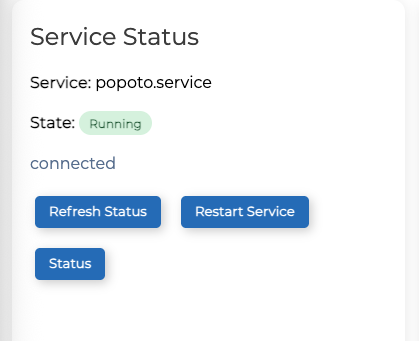
- To refresh the service status, click Refresh Status.
- To restart the service, click Restart Service.