Communications
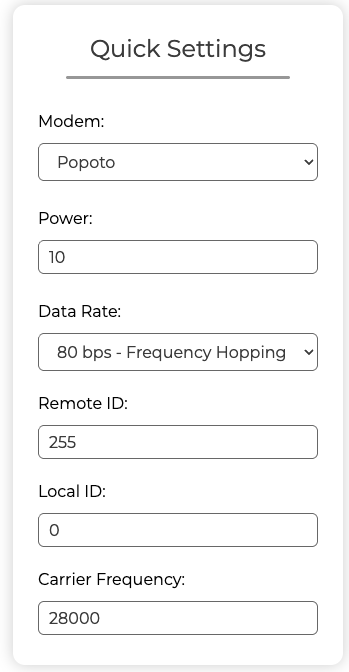
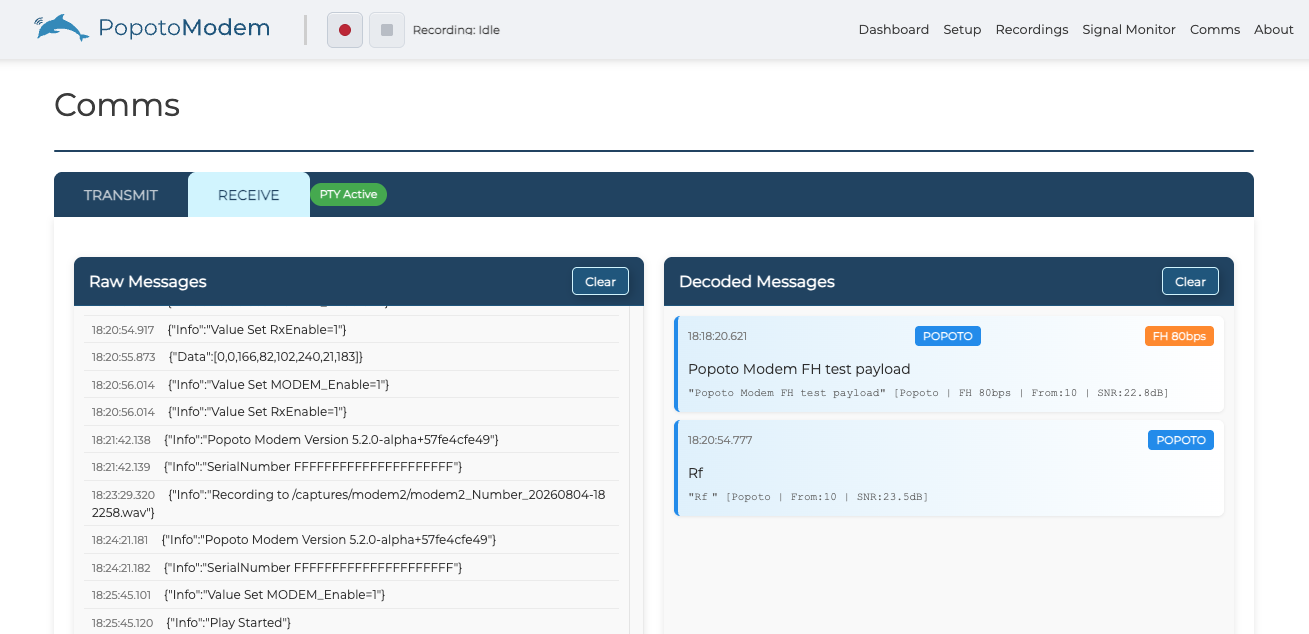
Use the communication screen in the Popoto Web UI to send and receive messages. This section explains how to access and use these controls effectively.
To access the Communications screens, click Modems on the Navigation Bar then select Comms.
Comms Settings
To configure communication settings, click the Settings button in the Communications screen. You can adjust parameters such as message notifications, audio input/output devices, and other communication preferences.