Web UI Overview
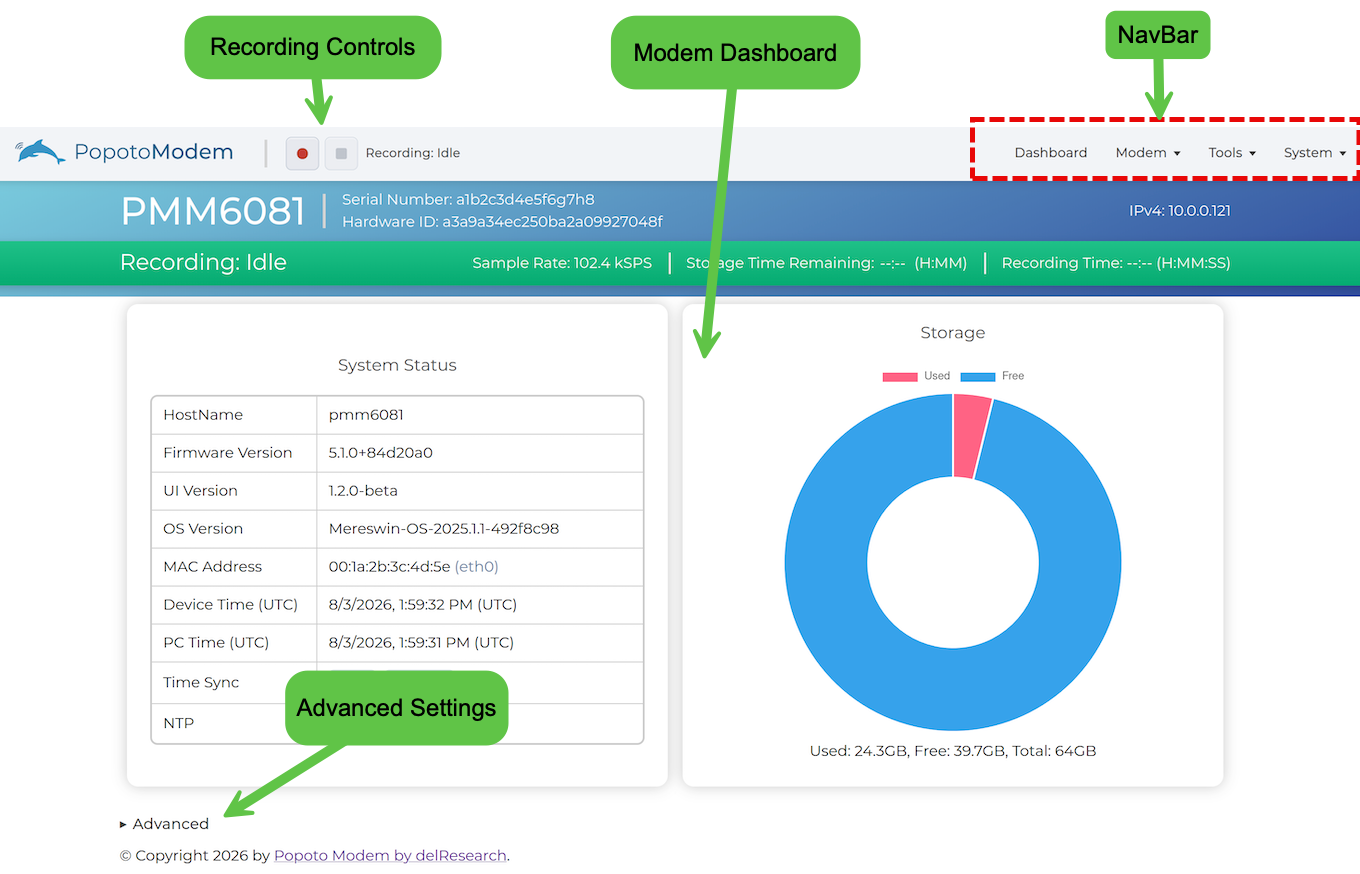
When you launch the Web UI, it opens to the Dashboard screen, which displays system status and storage information and other Advanced settings.
NavBar
The NavBar at the top-right includes the following items:
- Dashboard View the Dashboard screen.
- Modem - Access the Comms screen and the Image Streaming screen.
- Tools - Access the Recordings screen and the Signal Monitor screen.
- System - Access the Setup screen and the Licensing screen.
Recordings
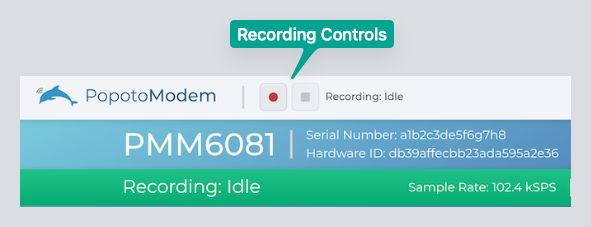
Start and Stop Recording with the controls on the top-left of the menu bar.