Recording Modem Audio
-
Go to the Dashboard.
The recording controls are located beside the status indicator near the upper-left corner of the interface. When the modem is idle, the dashboard status bar reads Recording: Idle.
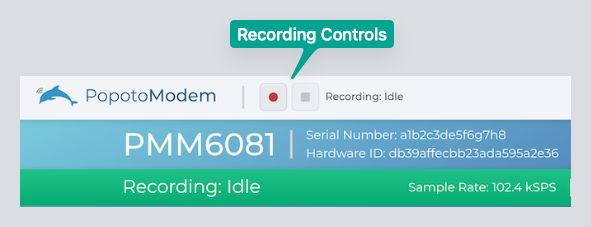
Recording Controls in the Popoto Web UI. -
Click the Start Recording control to begin recording.
The status bar changes to red and reads Recording: Active and displays the sample rate, remaining storage time, and elapsed recording time.
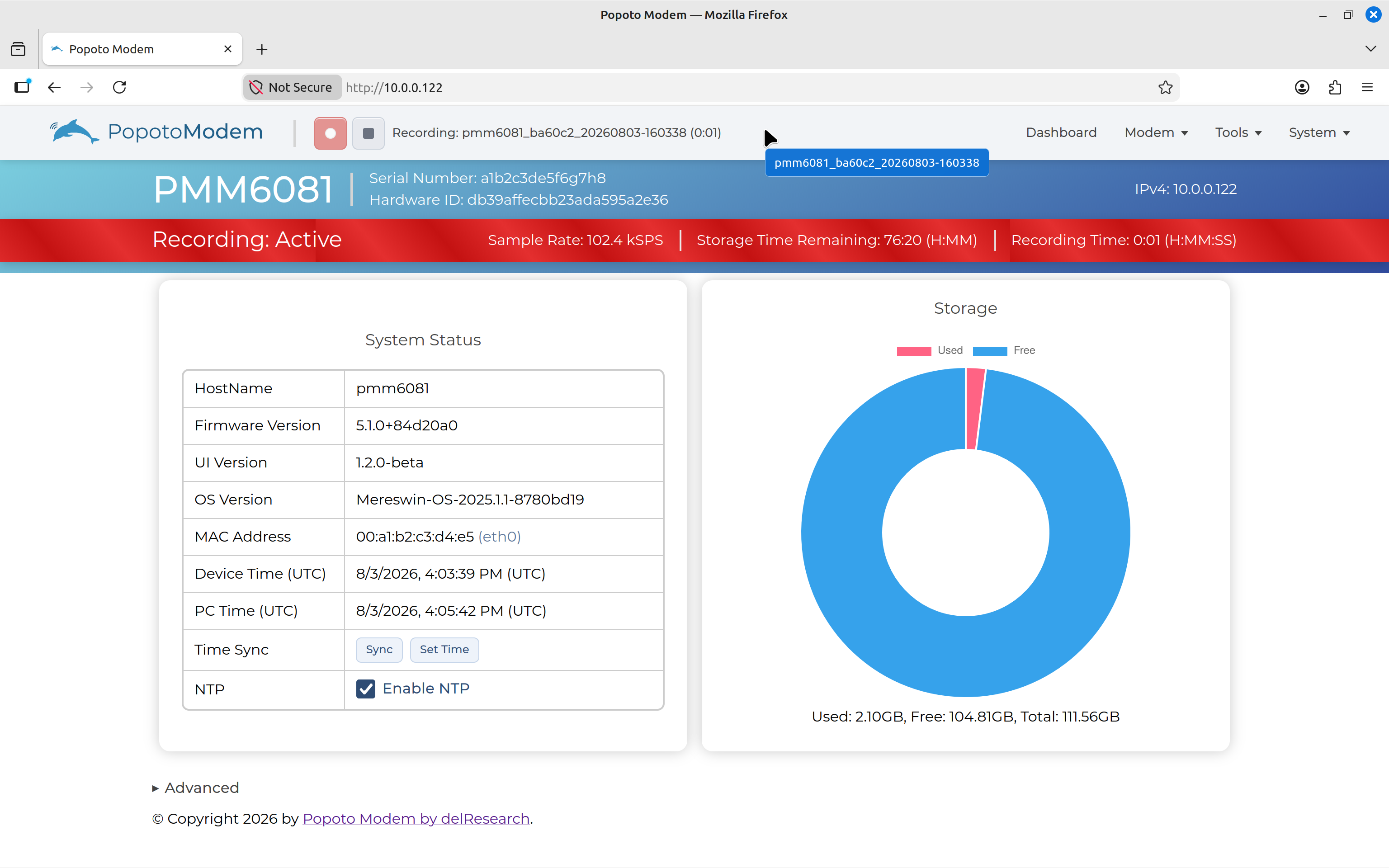
Starting a Recording in the Popoto Web UI. -
Send a new transmission from your other modem.
-
Click the Stop Recording control when finished.
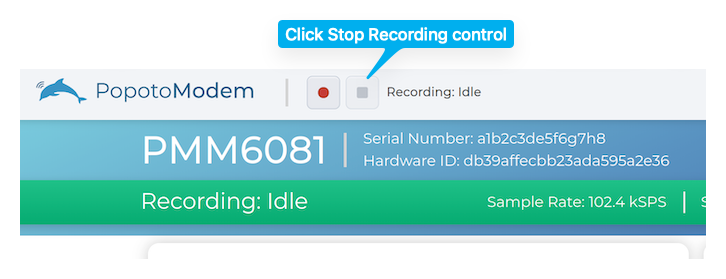
Stop Recording. After the recording stops, the status bar returns to Recording: Idle.