Monitoring the Acoustic Signal
The monitor is useful for confirming which signals are present, as well as the amplitude and frequency ranges of any environmental noise. A visible signal with no decoded payload commonly points to incompatible modem settings, low signal quality, interference, or an incorrect receiver configuration.
The Signal Monitor functionality provides a comprehensive set of tools for monitoring and analyzing acoustic signals within the Popoto Web UI.
The Signal Monitor (or spectrogram) is useful for confirming which signals are present, as well as the amplitude and frequency ranges of any environmental noise. A visible signal with no decoded payload commonly points to incompatible modem settings, low signal quality, interference, or an incorrect receiver configuration.
To view live spectral activity:
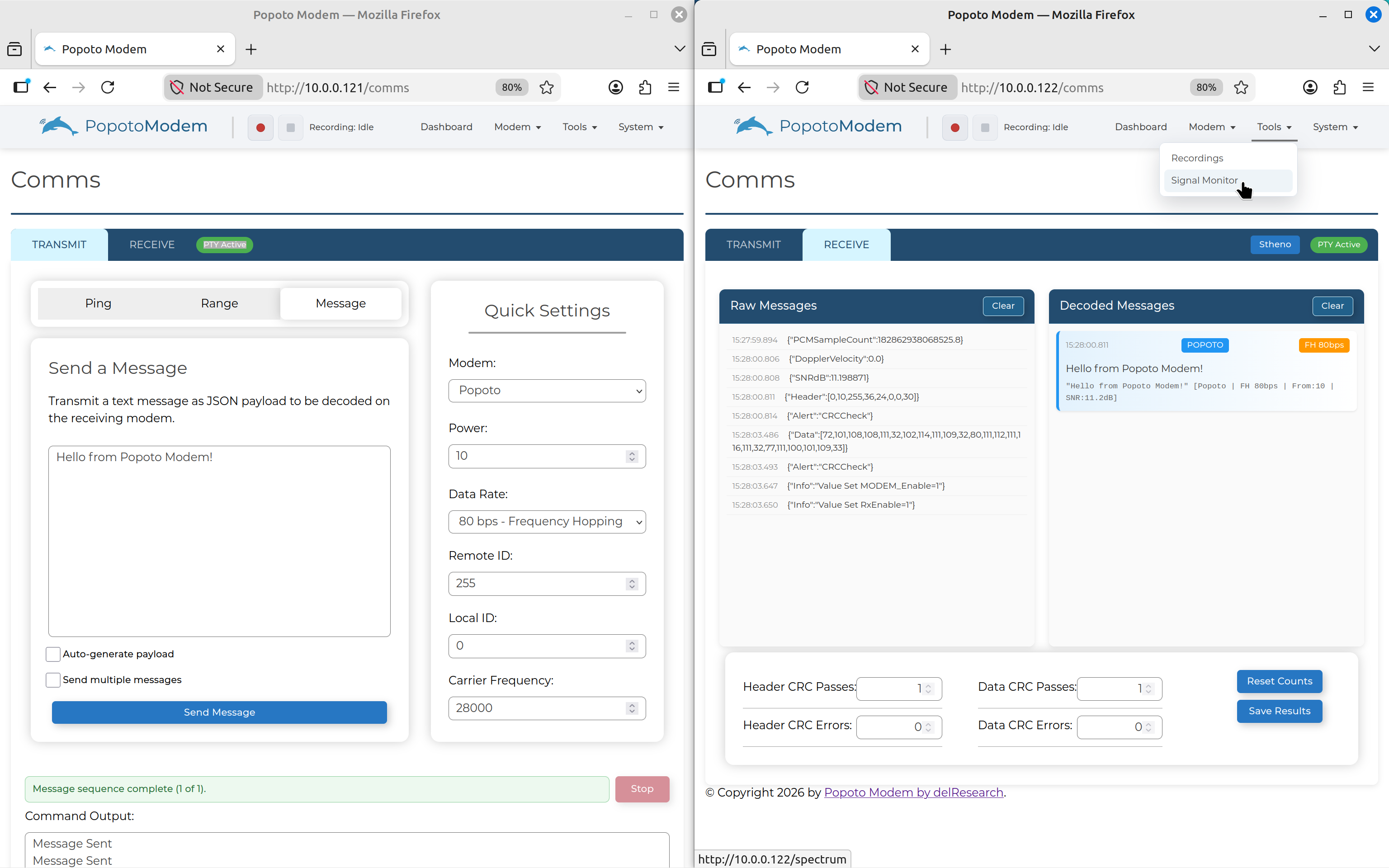
- On the receiving modem, click Tools on the NavBar then select Signal Monitor.
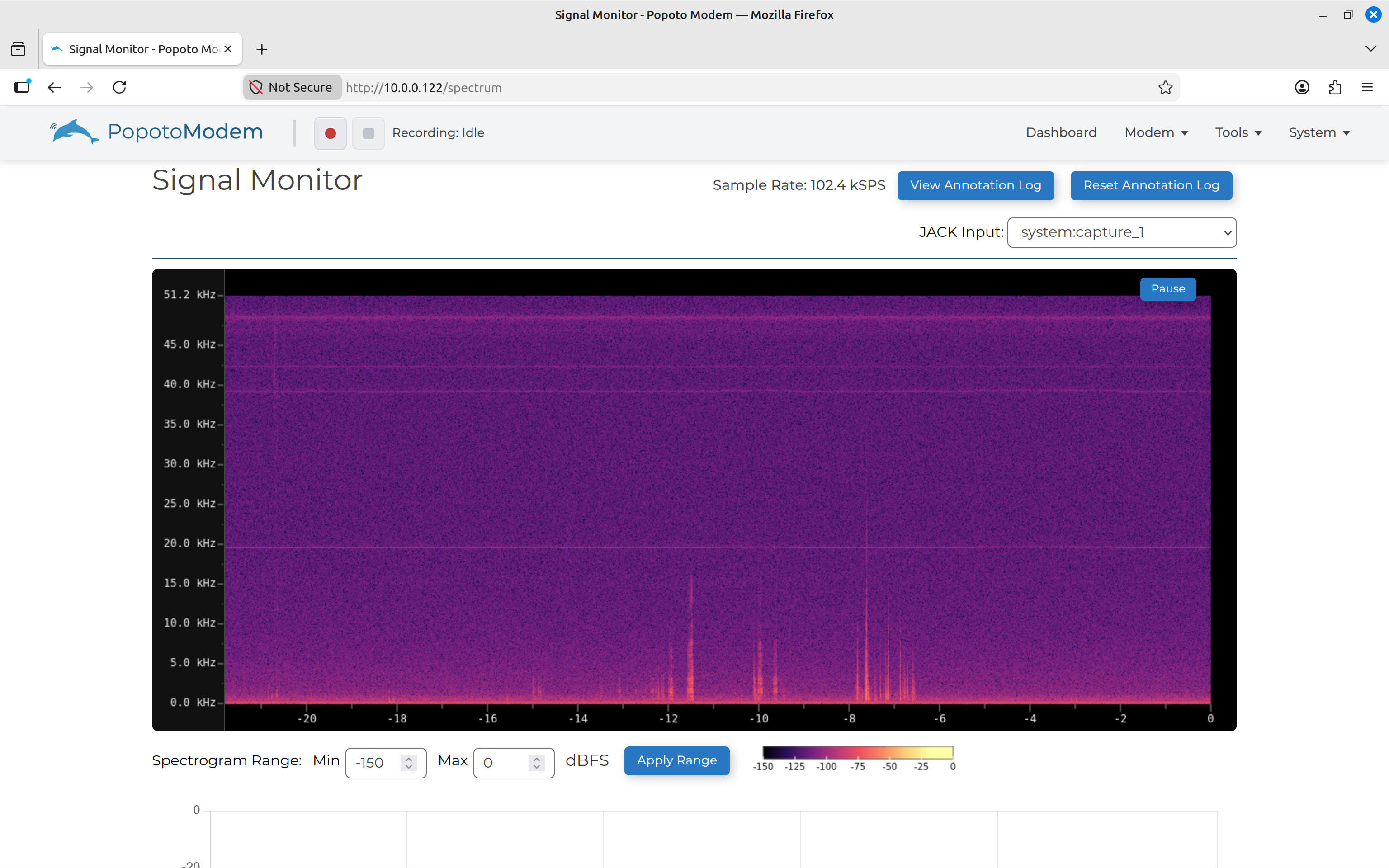
The Signal Monitor screen displays a live spectrogram. An idle channel normally shows only the background noise floor.
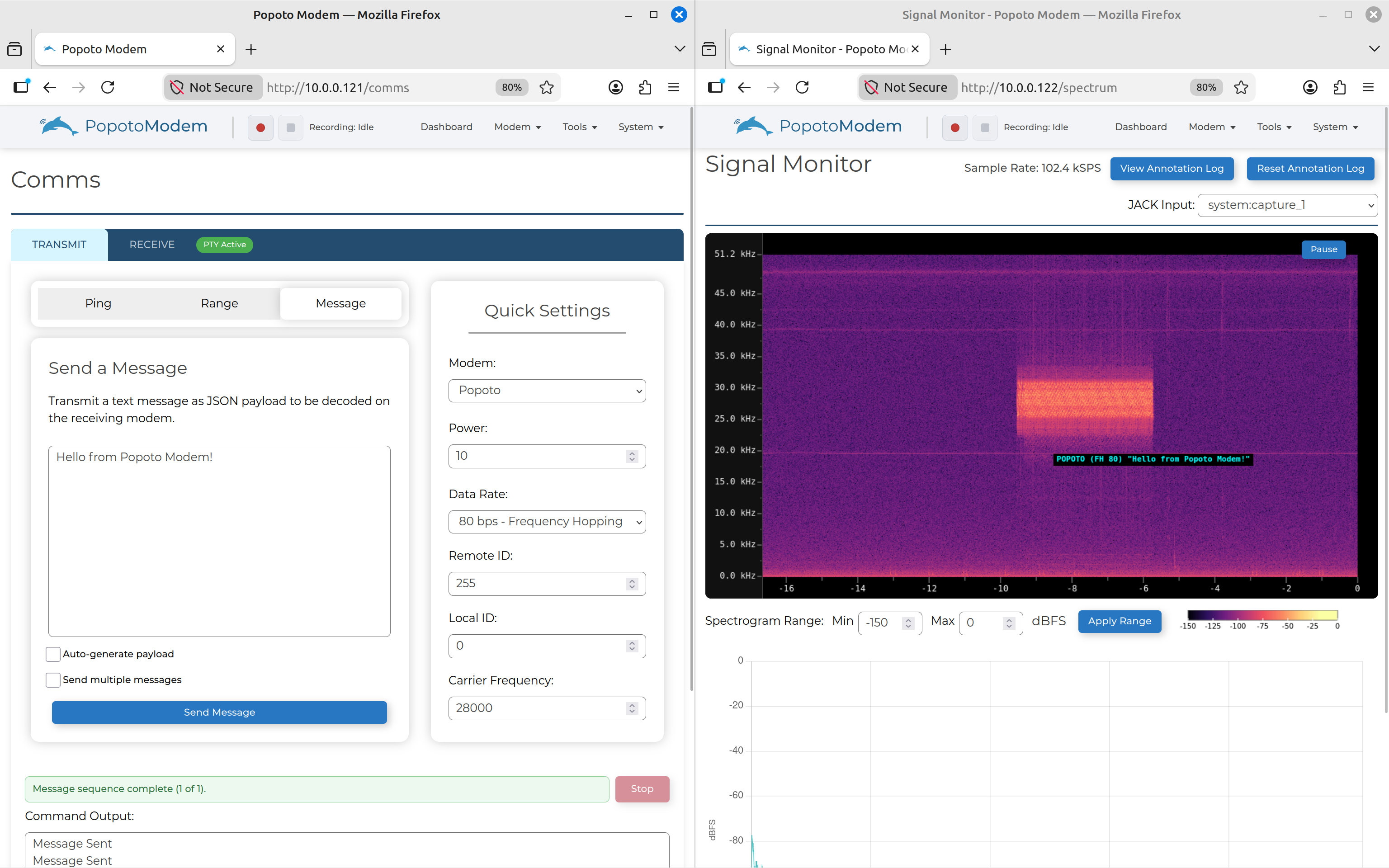
- Send a message from the transmitting modem. The transmission appears as a bright block in the spectrogram at the configured carrier-frequency range. It also annotates decoded messages as they are received in real-time.
Controls
The Signal Monitor provides additional controls for navigating and analyzing the spectrogram, such as zooming in and out, and moving through the timeline.
These controls enhance the user's ability to closely examine specific sections of the spectrogram for detailed analysis.
Additionally, users can utilize markers and annotations within the Signal Monitor to highlight important segments of the spectrogram, further aiding in the review and analysis process.