Viewing the Waveform Recording
To view the recording you just made, follow these steps:
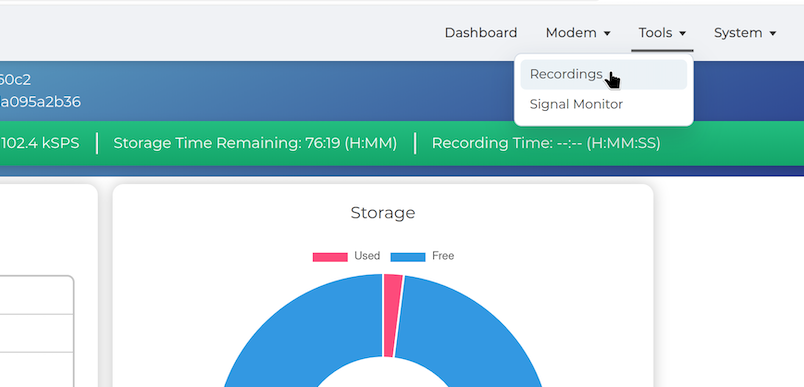
- Click Tools in the NavBar, then select Recordings.
The Recordings page lists saved WAV files with their size and date.
-
Select the checkbox next to the recording.
-
Click View to inspect a recording in the Waveform Viewer.
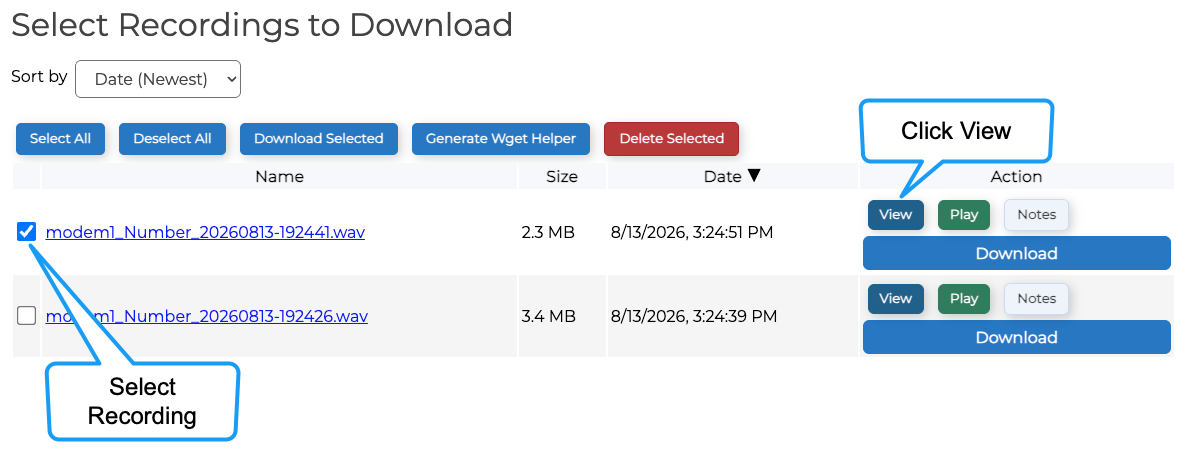
The Waveform Viewer displays both the waveform and spectrogram.
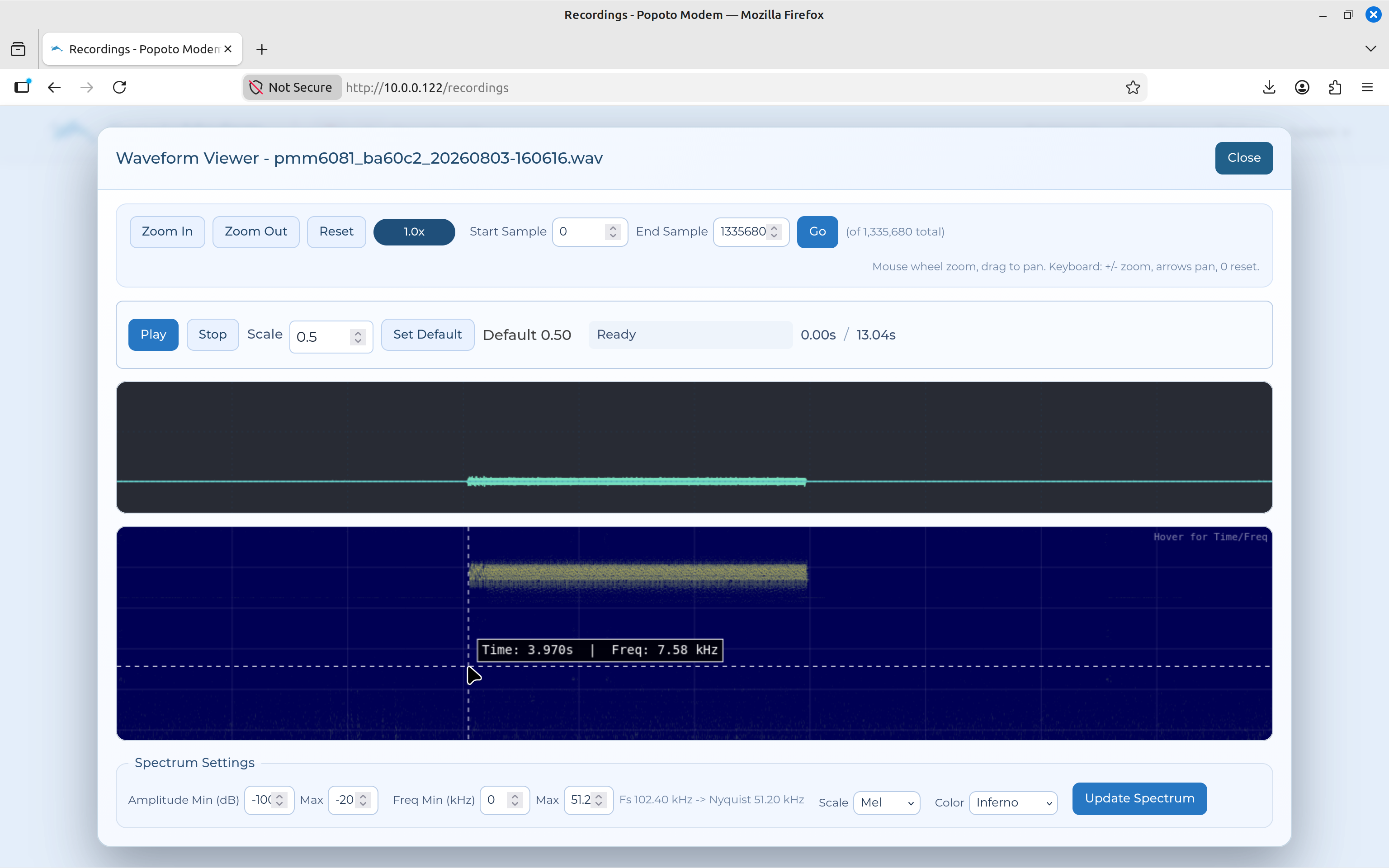
Use the zoom, scale, and display controls to inspect the recorded transmission
- Click Close to return to the Recordings page.
From the Recordings page you can also perform the following actions:
- Play recording(s).
- Download recording(s) or create a WAV archive.
- Delete recording(s).
- Upload WAV or PCM files for playback or review.
You have now completed a basic end-to-end test: both modem interfaces are reachable, a message has been transmitted and decoded, the signal has been observed, and the modem audio has been recorded and reviewed.