Viewing Logs
To view system logs using the Popoto Web UI, follow these steps:
- Go to the Dashboard.
- Scroll down and click the Advanced section and expand it.
- Enter the Admin password.
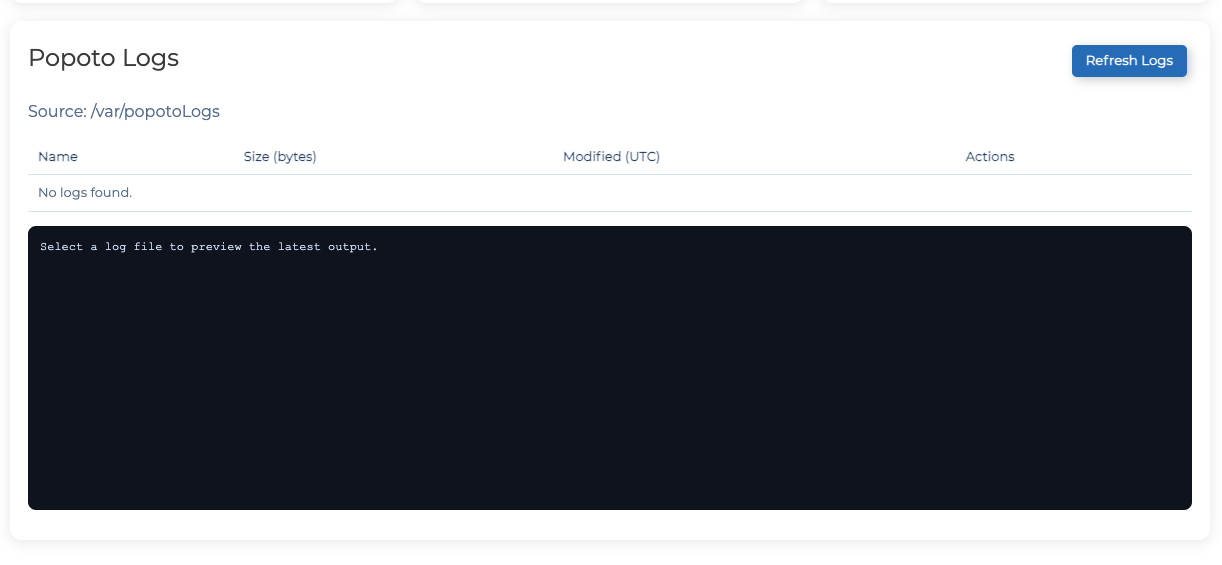
- Scroll down to the **Popoto Logs **section to view the system logs.
- To refresh logs, click Refresh Logs.