Sending a Ping
To send a ping:
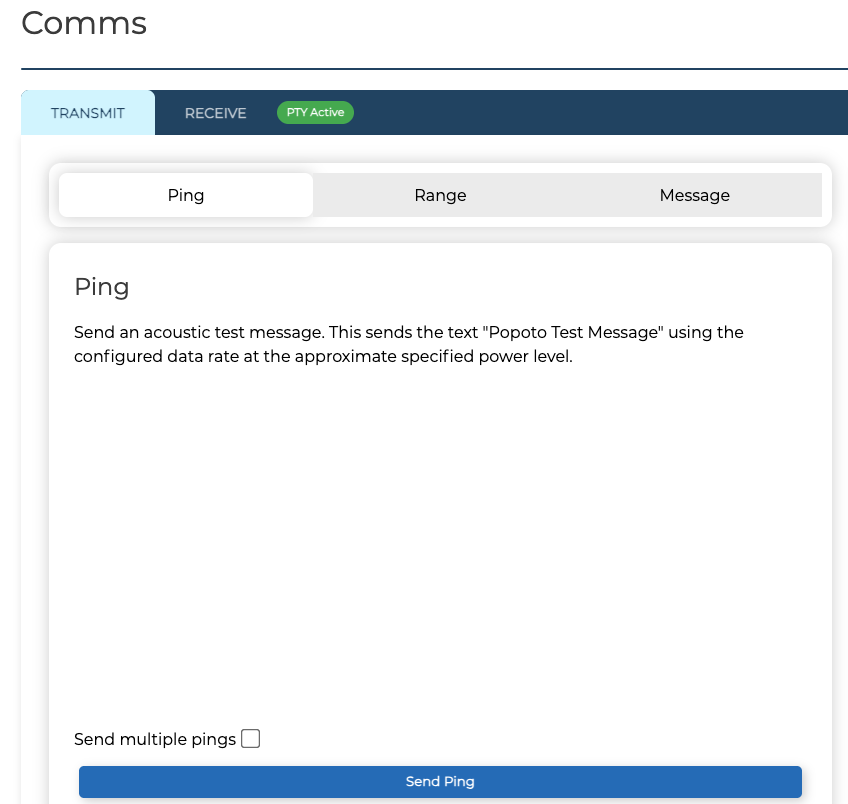
- Click Modem on the Navigation Bar then select Comms.
- In the Comms page, click the TRANSMIT tab then select Ping.
- (Optional) To send multiple pings select the Send multiple pings checkbox.
- Click Send Ping.
The ping status is displayed at the bottom of the screen.
To stop the ping, click Stop.