Setup
Click System on the NavBar then select Setup to open the Setup screen.
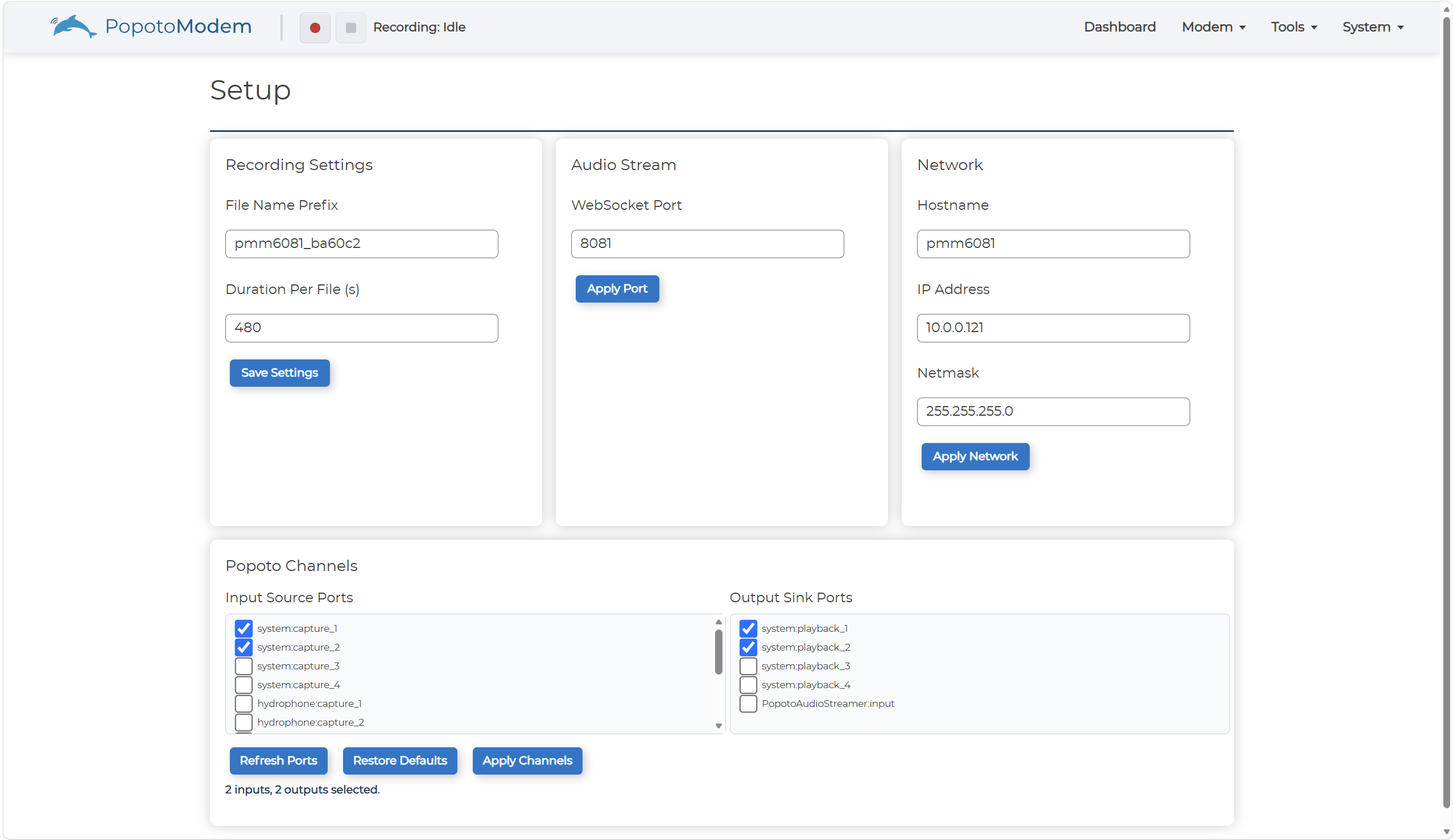
On the Setup screen you configure:
- Recording Settings - Enter a filename and a duration and click Save Settings.
- Audio Stream - Enter the port number for the audio stream and click Apply Port.
- Network Settings - Enter the network information and click Apply Network.
- Popoto Channels - Select the Input Source Ports and the Output Sink Ports then click Apply Channels.
Popoto Channels
Select the Input Source Ports and the Output Sink Ports then click Apply Channels.
Click Refresh Ports to refresh ports.
Click Restore Defaults to restore the default channel settings.